
How do I add a new contact manually?
If you've spoken with a potential client or caregiver outside of CareFunnels — over the phone, at an event, or in person — you can add them to your contact list manually so everything stays in one place.
Note: Contact management is available on the CareFunnels CRM plan and all Marketing In A Box plans.. If you don't see the Contacts option in your menu, reach out to your CareFunnels account manager to learn more about upgrading.
Where to find this
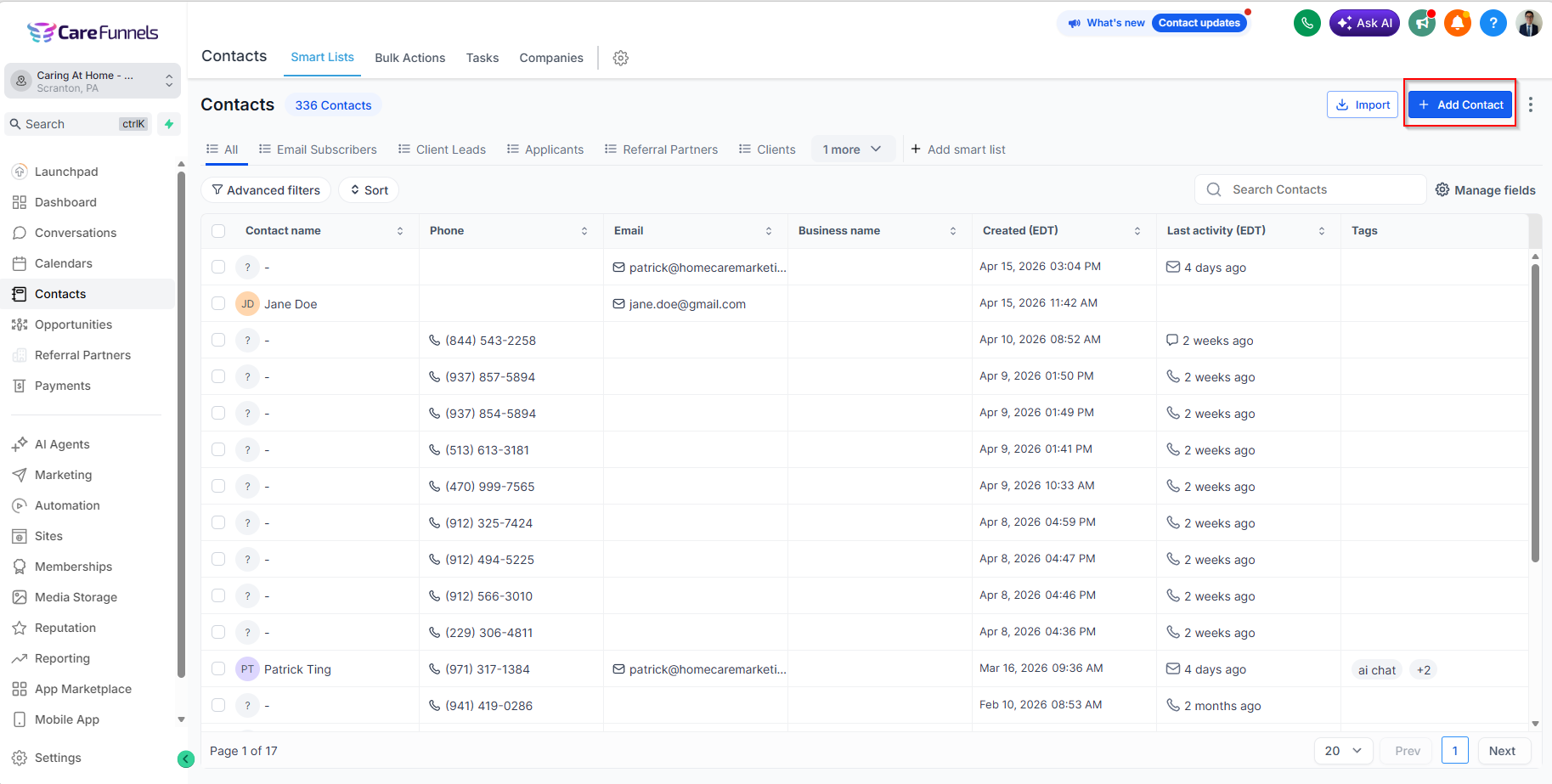
Contacts → Add Contact button
Steps
From the left-hand menu, click Contacts.
Click the Add Contact button (usually in the top right corner of the page).
Fill in the contact's details — at minimum their name and either a phone number or email address.
Click Save to add them to your contact list.
Pro tip
Always add at least a phone number or email address when creating a contact. Without one, you won't be able to follow up with them through CareFunnels later.
Common questions
What information can I add for a contact? You can add a name, phone number, email address, address, and any tags or notes that help you keep track of who they are — for example, whether they're a potential client, a caregiver applicant, or a referral partner.
Can I add notes about the contact when I create them? Yes. There's a notes field where you can jot down anything relevant — how you met them, what they're looking for, or any follow-up action you need to take.
What's the difference between a contact and a lead? In CareFunnels, a contact is anyone in your database. A lead is a contact who has been added to one of your pipelines — like a client intake or caregiver recruiting pipeline — and is actively being followed up with.
Can I add the contact to a pipeline at the same time? Yes. After saving the contact, you can add them to a pipeline directly from their contact record.