
How do I connect my LinkedIn Profile(s) and Page(s) to CareFunnels?
Edited
Step 1: Log into the sub-account and go to Marketing, click on the Social Planner.

Step 2: On Visiting Social Planner, there will be a wizard with connect option, or after visiting the overview of Social Planner will have a Setting option (gear icon)

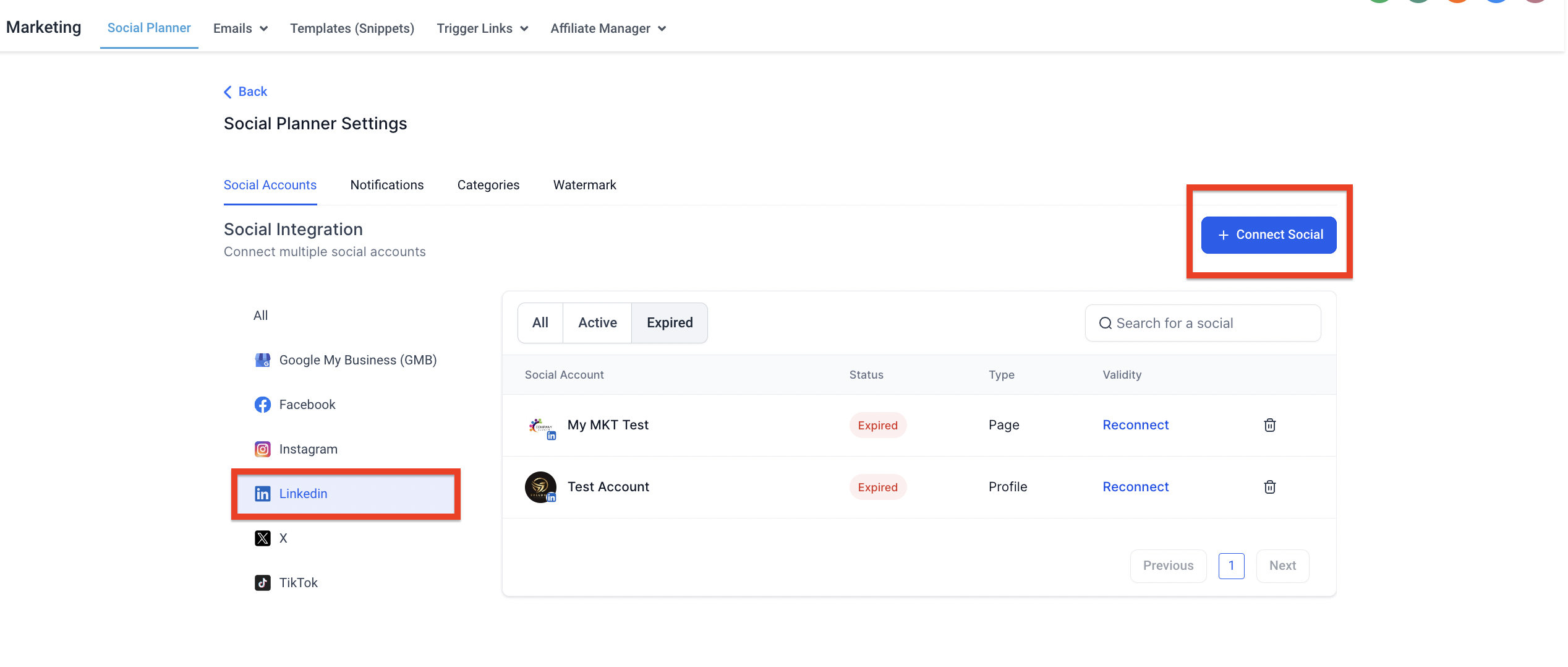
Step 3: After clicking Add Linkedin Profile/Page(s), there will be an option to add them.
Note:
Make sure that your personal LinkedIn account is a Super admin of the Page you want to add to Social Planner.
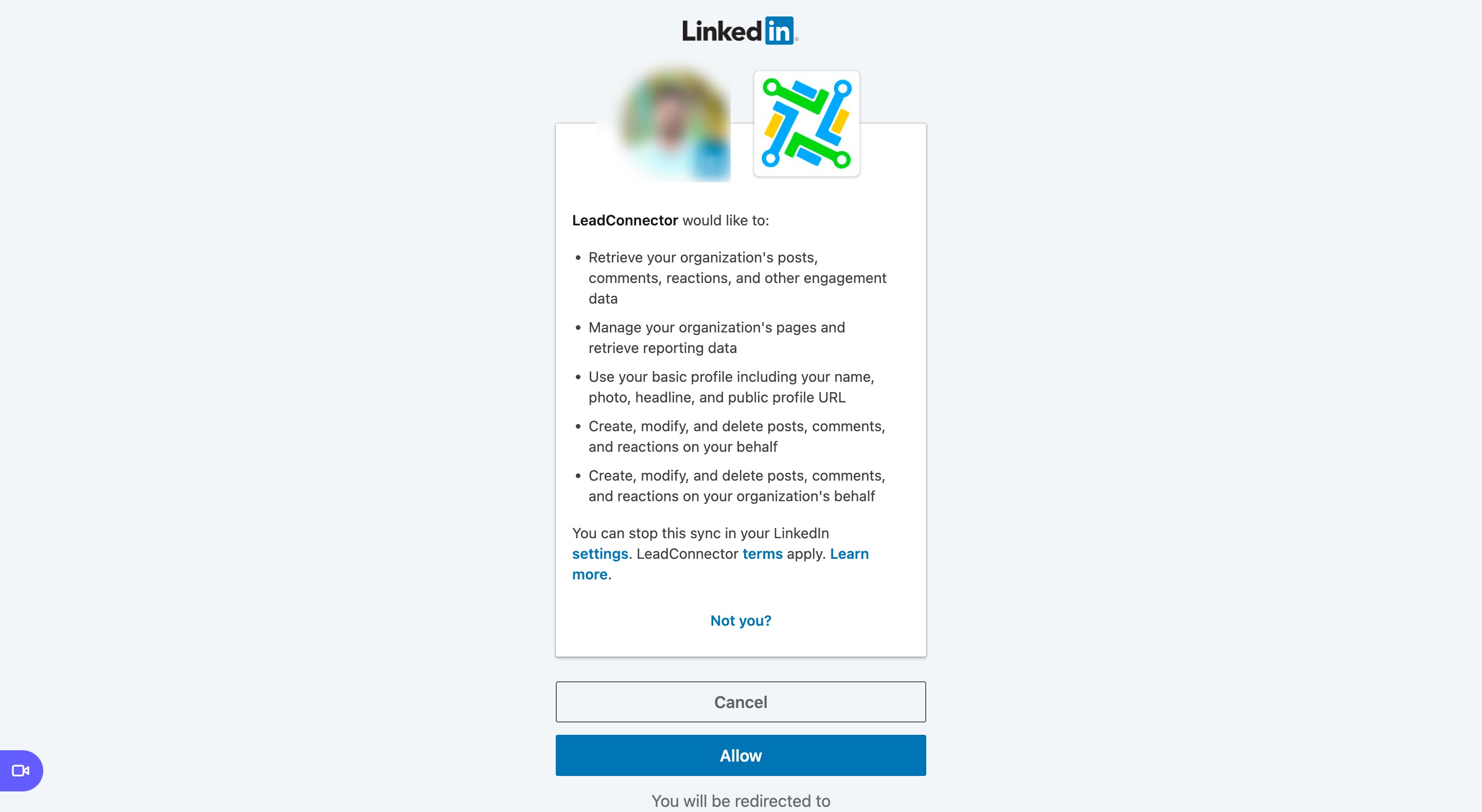
Step 4: If you are connecting it first time inside Social Planner, you will be required to provide the permissions for the social planner.
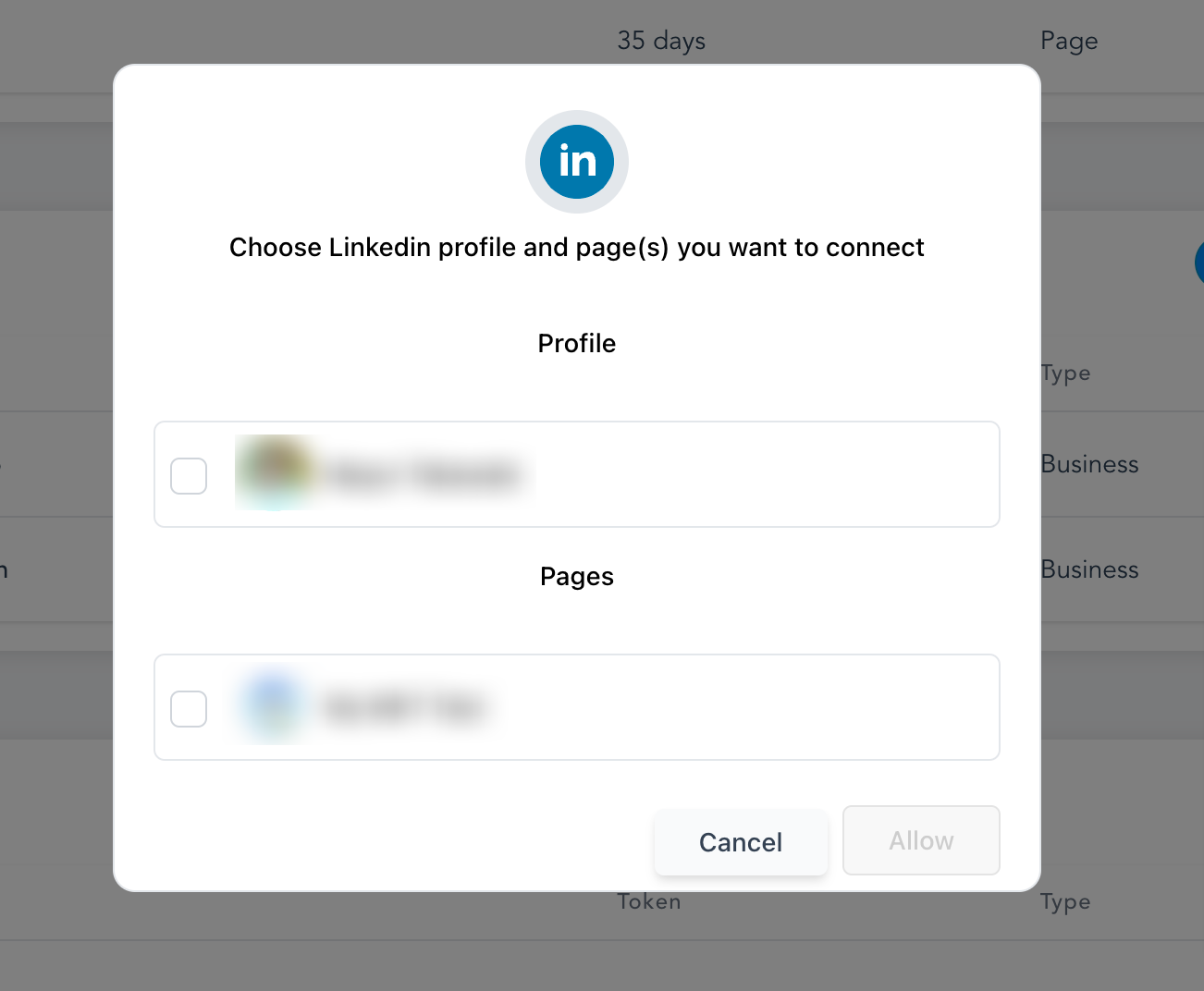
Step 5: Next step is to choose the Linkedin Profile and Page(s) for the social planner
Step 6: You can manage the accounts from the Setting Icon
Was this article helpful?
Sorry about that! Care to tell us more?