
Transfer calls to web, phone, and SIP - no personal phone number required
You can now transfer calls to teammates who don't have a personal phone number.
How to use this?
Make a regular call from web (outbound or inbound)
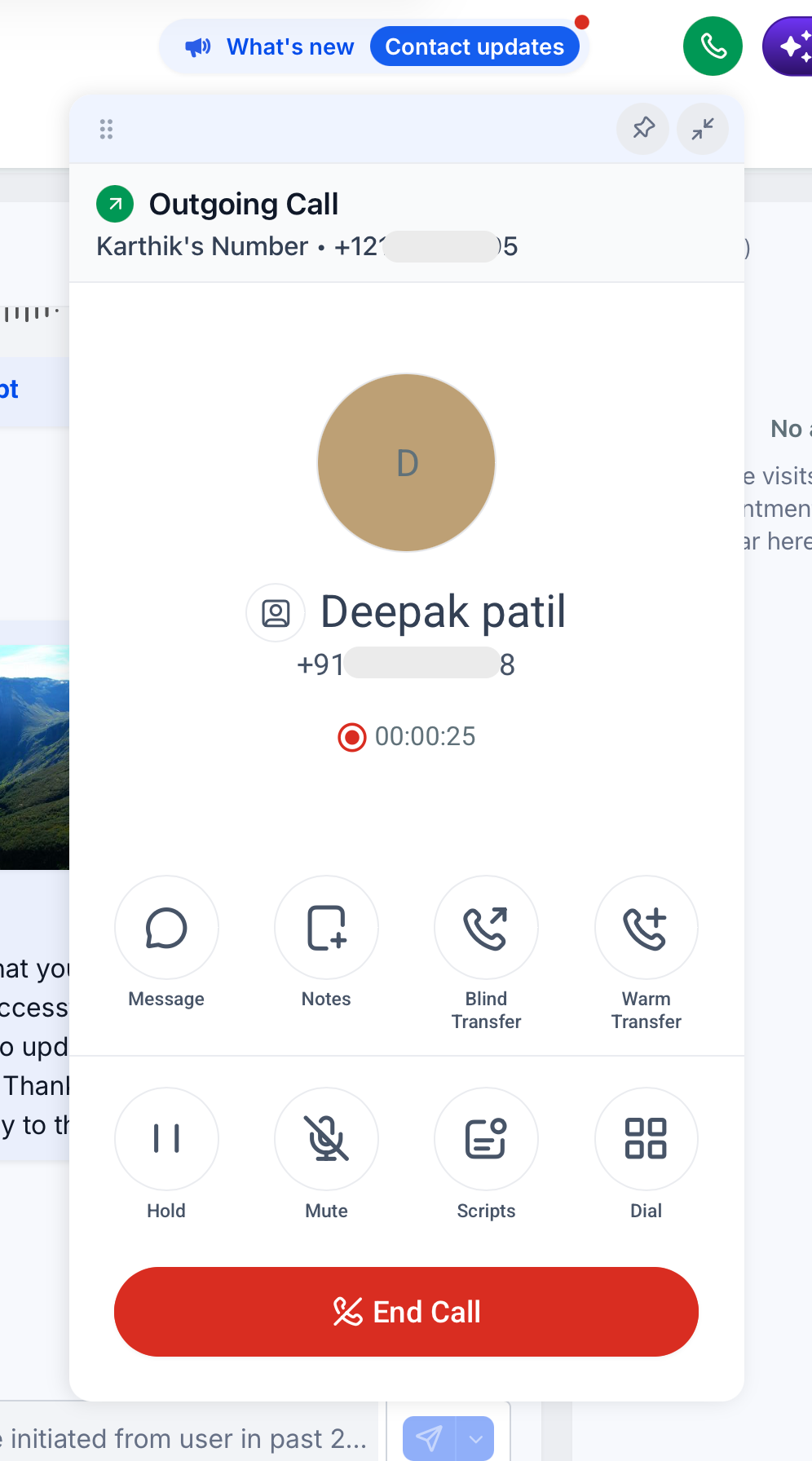
Click on warm transfer (or blind transfer)
Choose the staff member you want to transfer the call to. Device types they can receive the transferred call on are shown.
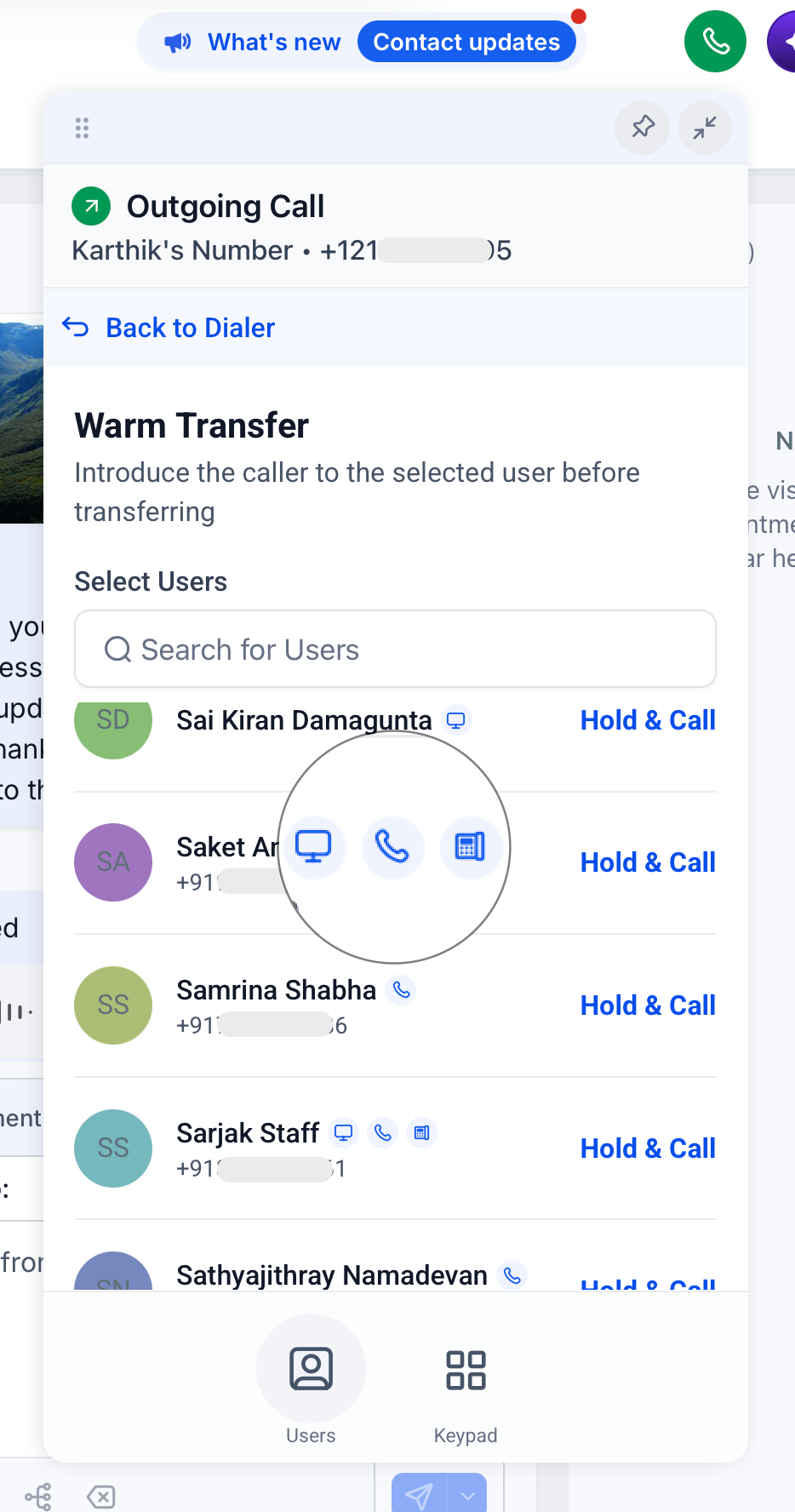
Click on Hold & Call
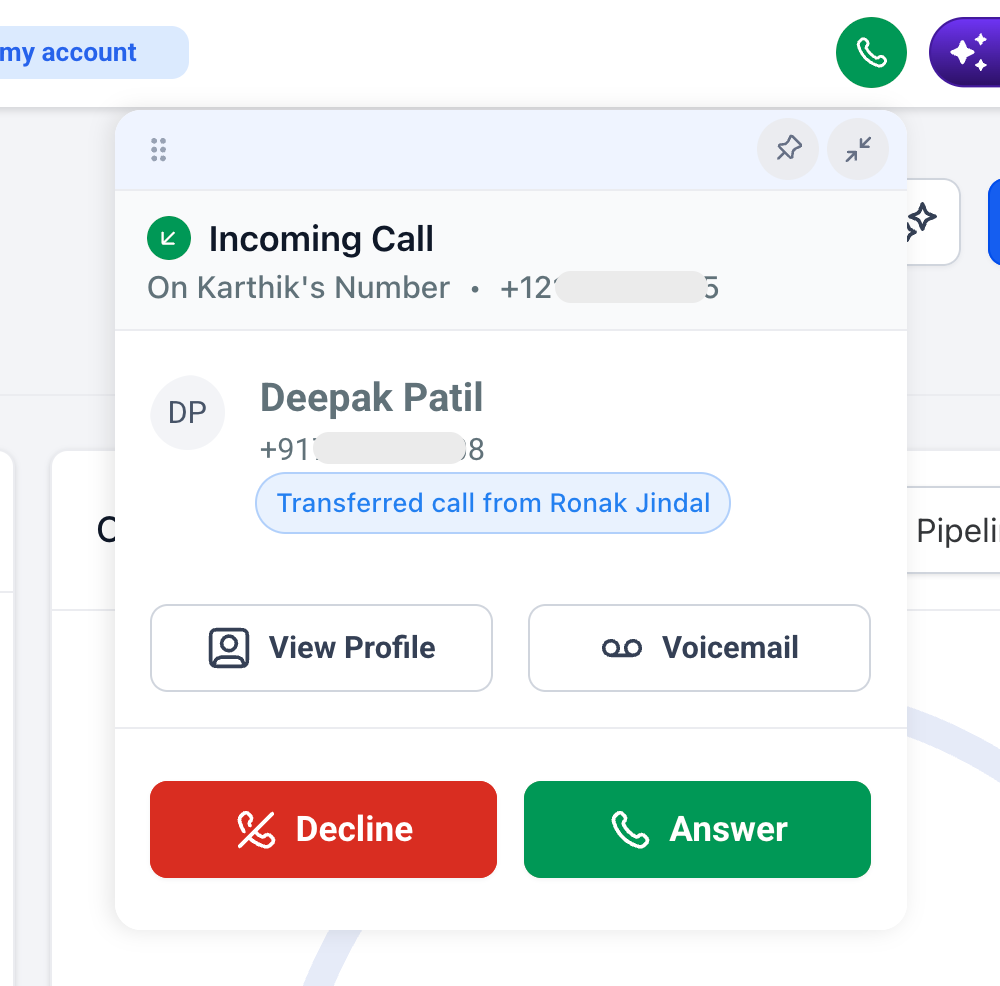
The staff member receiving the transferred call can also see that it's a transferred call (if receiving the call on web)
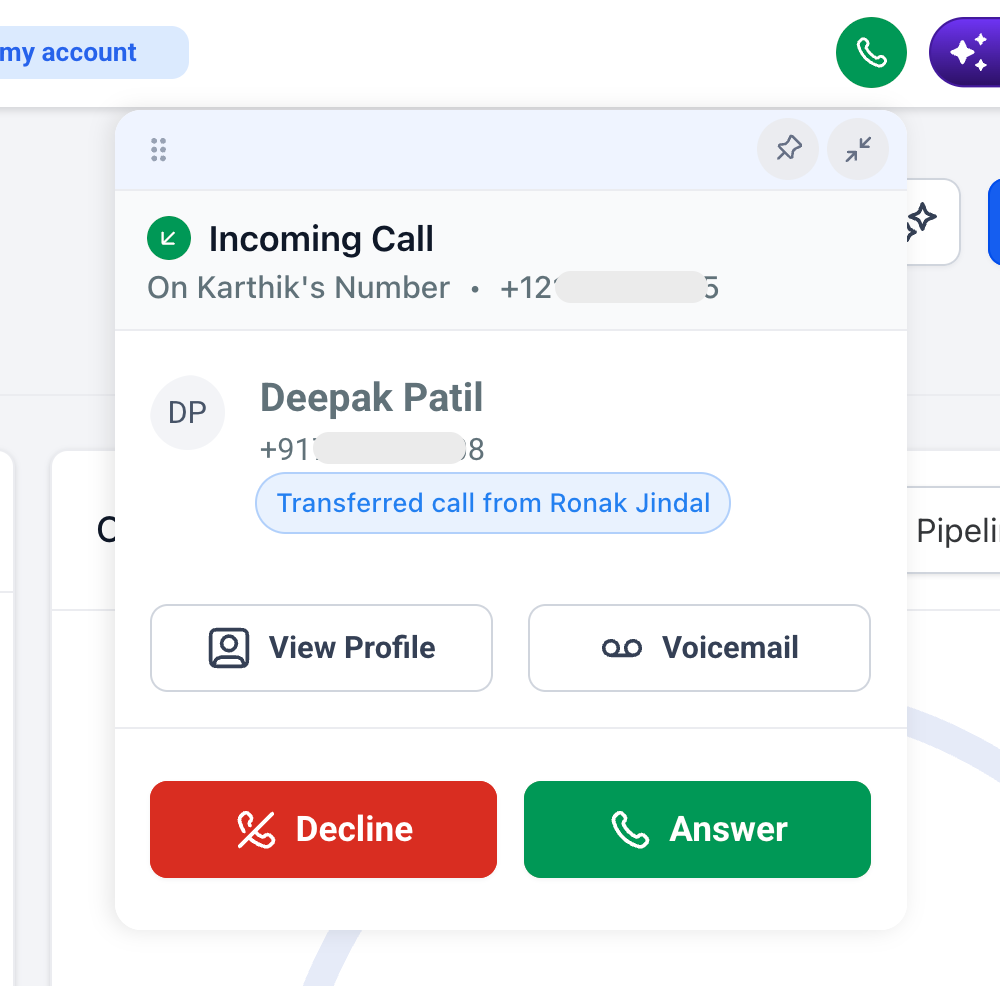
They click on Answer
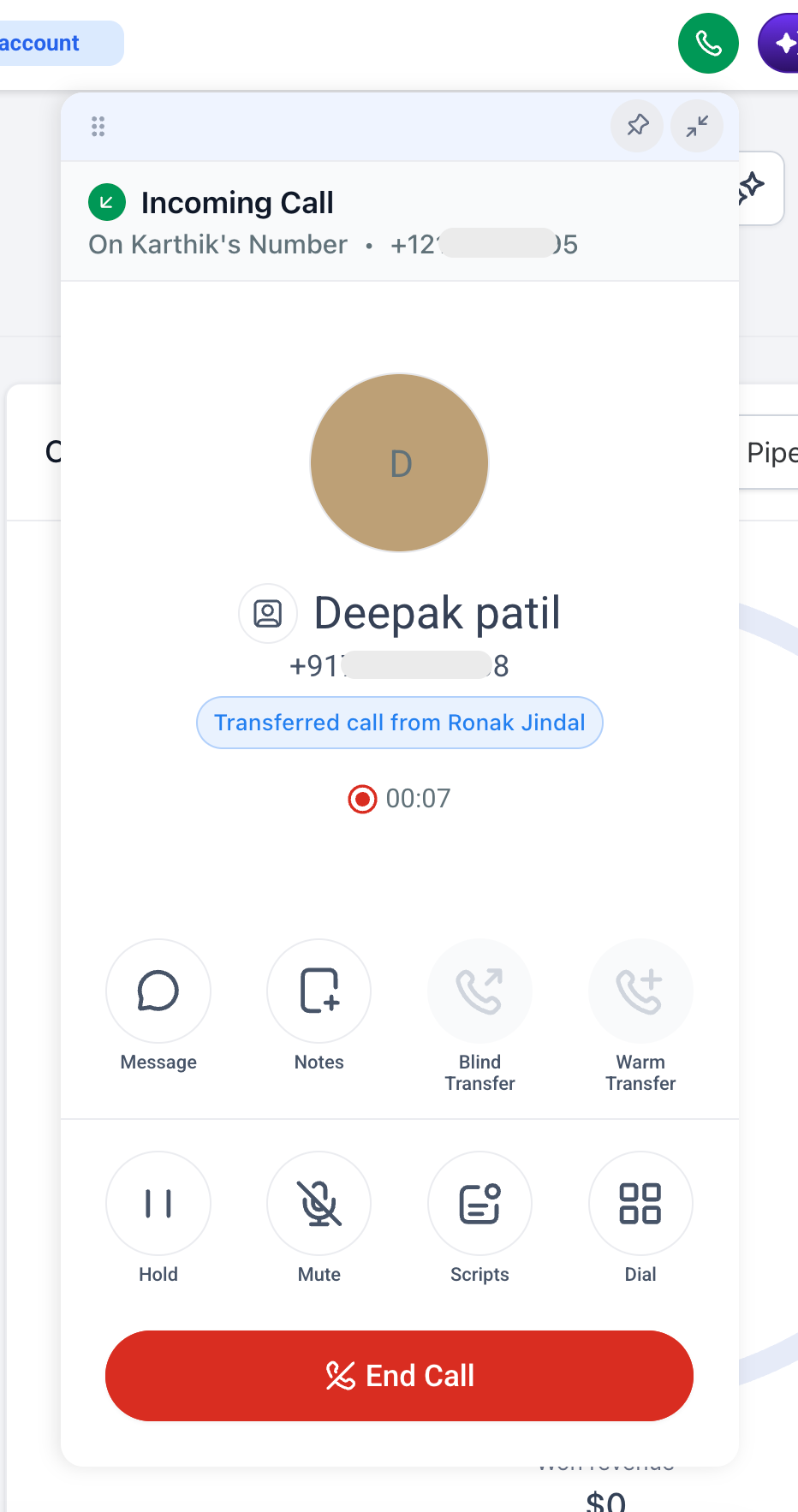
The warm transfer can be executed as usual
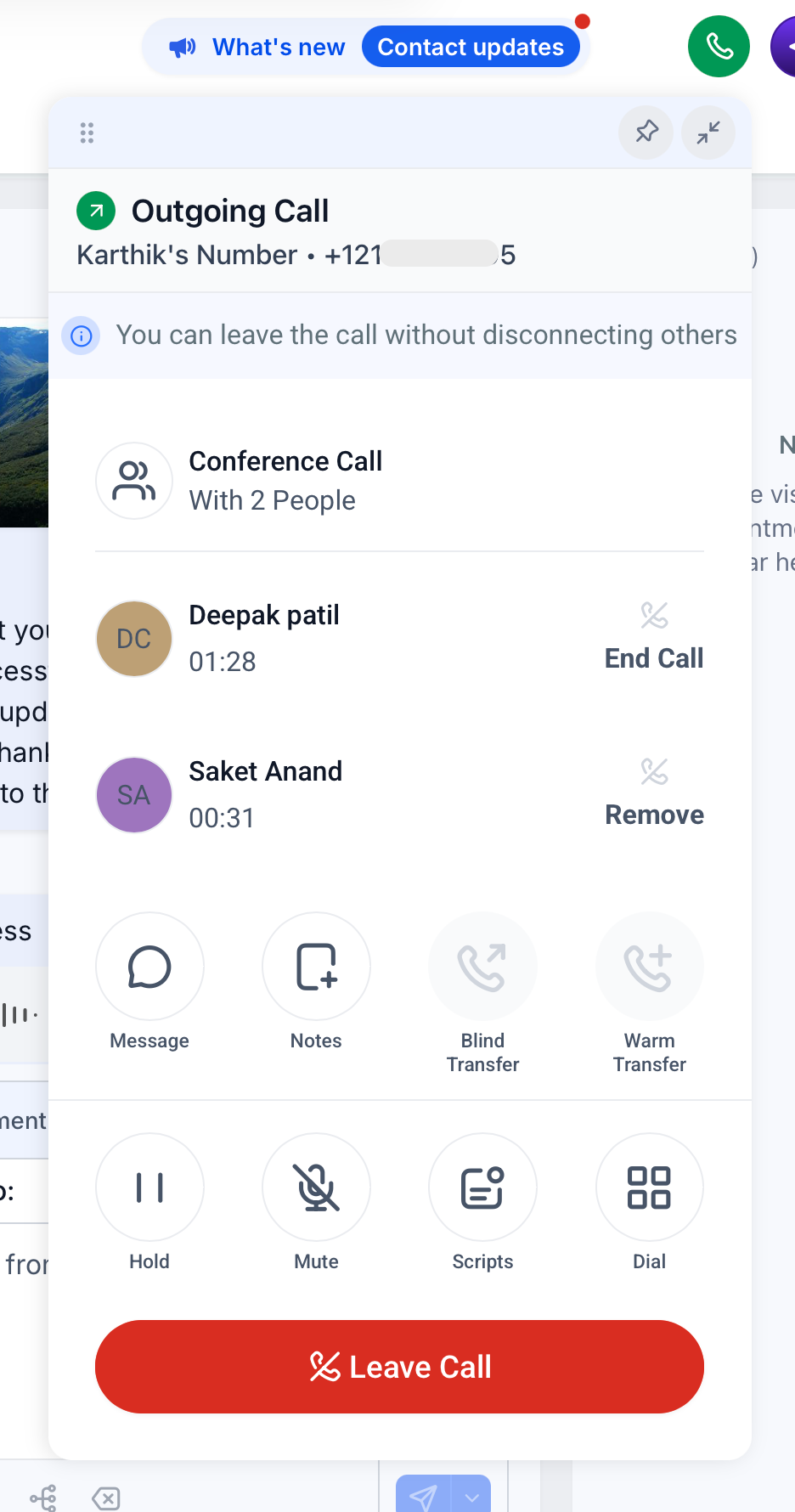
Key points:
Works for both warm and blind transfers
Works for both outbound and inbound calls
Re-transferring a call (transferring a call that was already transferred to you) isn't supported yet
Transfers ring every device the staff member has set under "Forward calls to" at the same time: Web App, Phone, and SIP desk phone
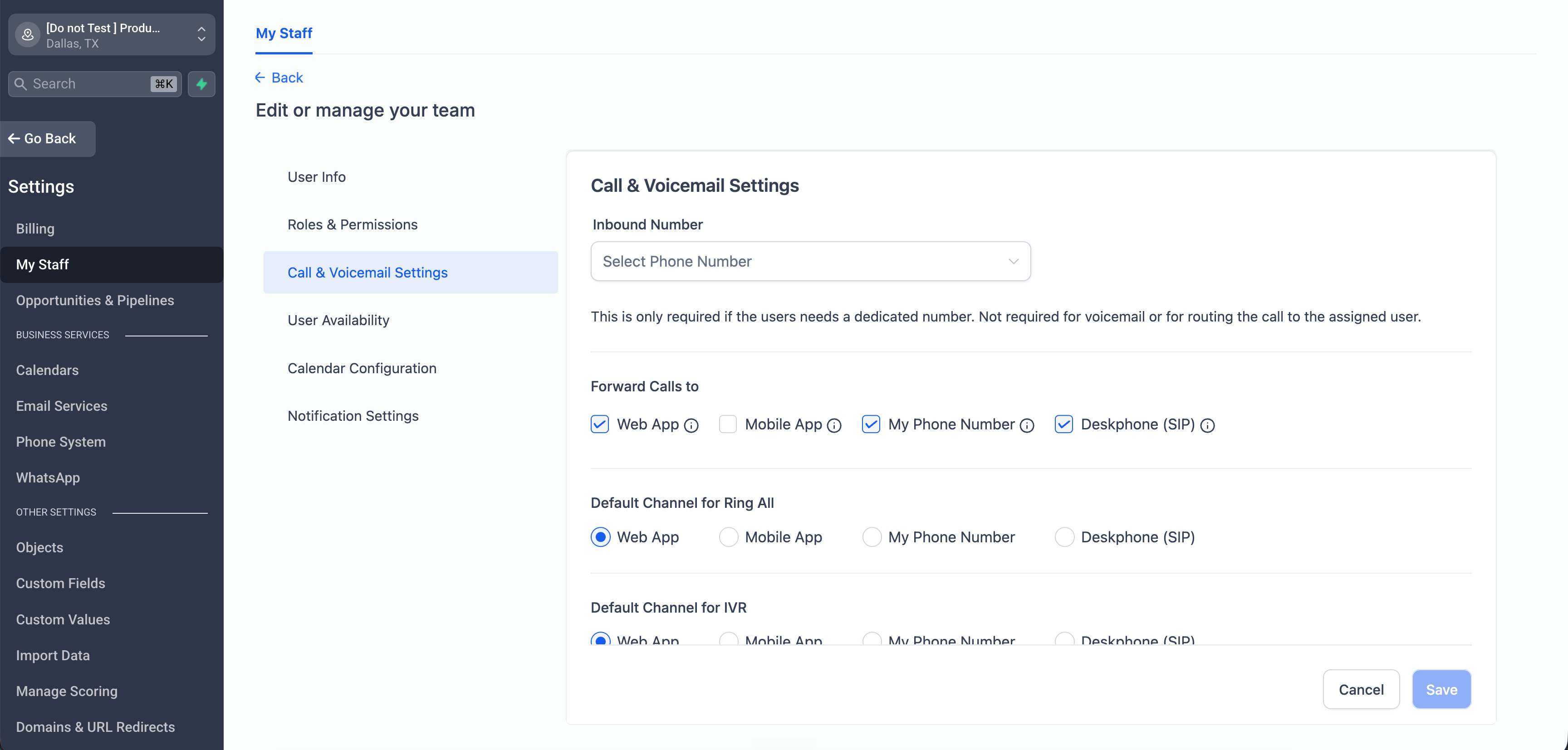
Teammates with no device configured are hidden from the transfer list
How to start using this via Labs?
Go to agency settings > Labs > Sub-Account
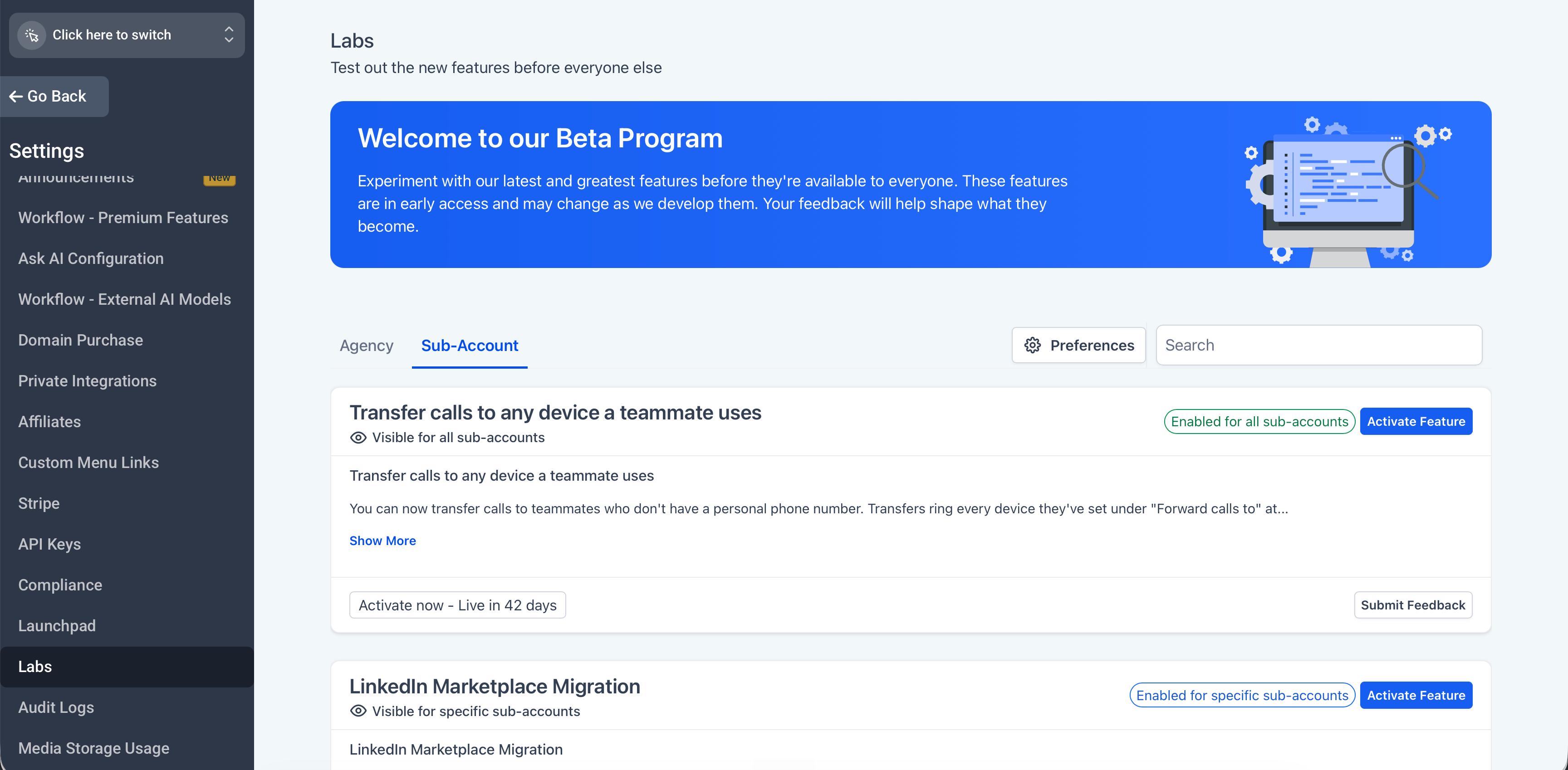
Find "Transfer calls to any device a teammate uses" and click on "Activate Feature"
Select the sub-accounts you want, then use Bulk Actions > Enable Access
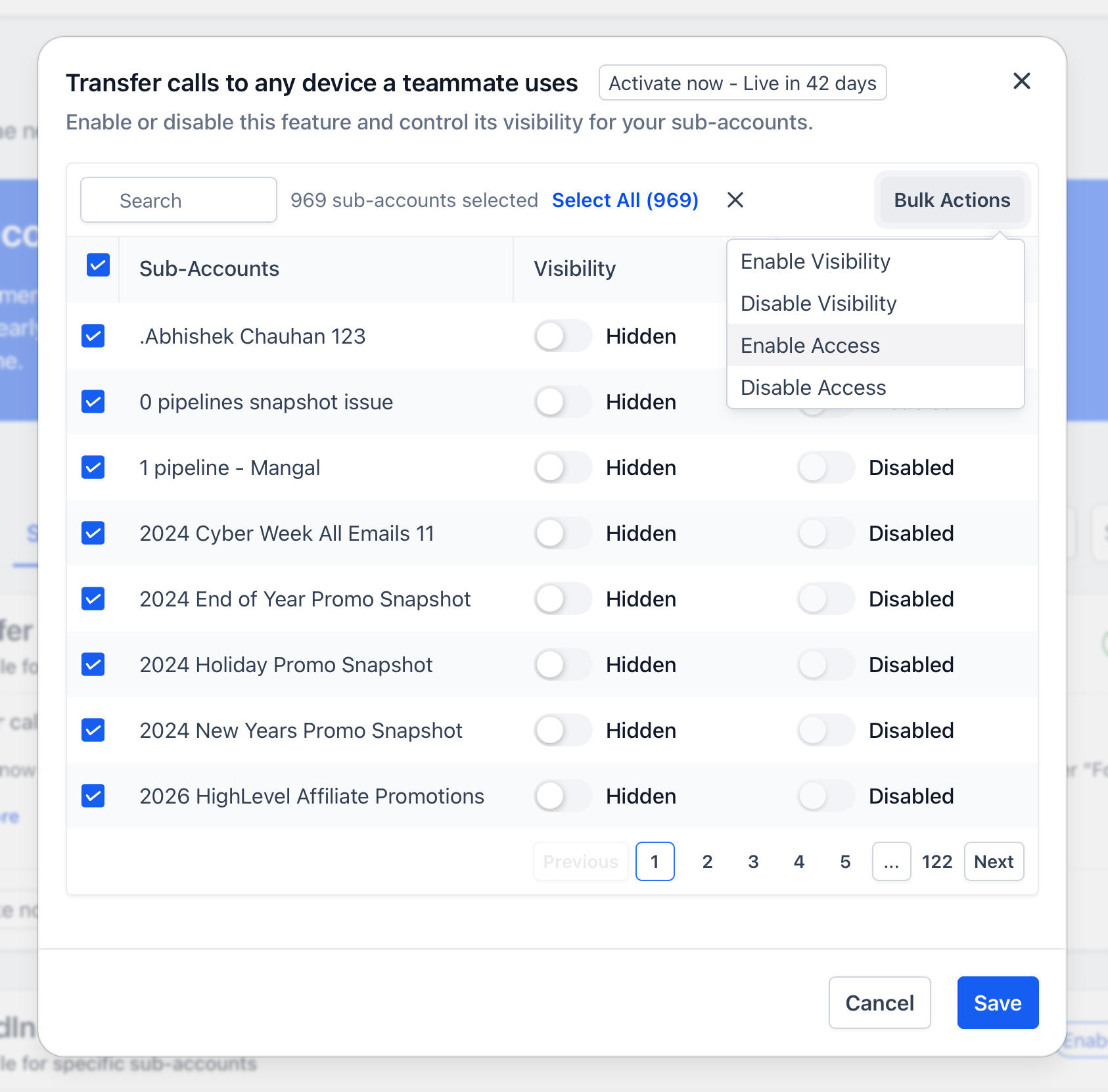
Click save